With your personal calendar feed, you can show your Gixtra gigs in your regular calendar app.
This is useful if you use Apple Calendar, Google Calendar, Outlook, or another calendar app and want to see your gigs alongside your other appointments.
Where to find your calendar feed
You can find your personal calendar feed in two places:
- at the bottom of the gig list, using the calendar sync link
- in the user menu, by clicking your avatar icon and choosing Calendar Sync
From there, you can subscribe to your personal calendar.
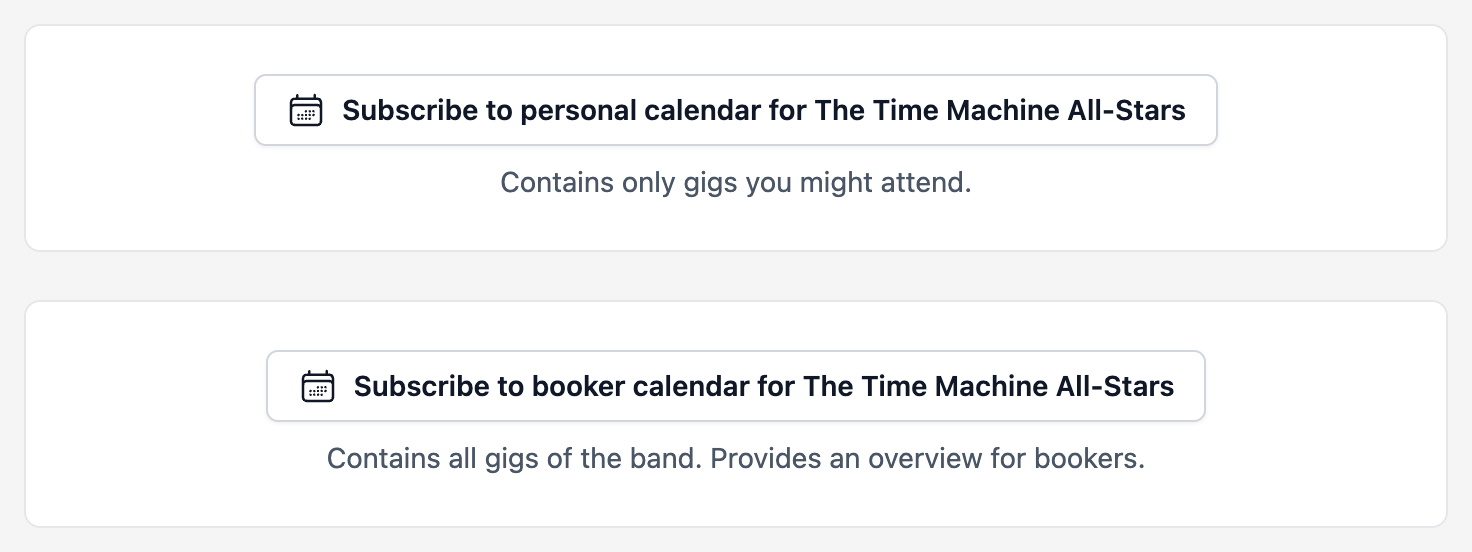
Choose Subscribe to personal calendar for your own gigs. The separate booker calendar includes all gigs for the band.
In many cases, Gixtra will open your calendar app directly. Depending on your device and calendar app, you can then subscribe to the feed right away.
Which gigs appear in your calendar?
Your personal calendar feed only shows your own gigs.
This means:
- Gigs you accepted appear in your calendar.
- Gigs where you replied maybe also appear in your calendar.
- Gigs where you are not a participant do not appear.
- Gigs you declined do not appear.
- Gigs that are canceled or set to
offdisappear from your calendar feed.
This keeps your calendar clean. You do not have to manually remove old options, canceled gigs, or gigs that are no longer relevant to you. When a gig changes in Gixtra, that change is passed on through the calendar feed.
No zombie gigs in your calendar
One common problem with band calendars is old options, canceled gigs, or gigs where you are no longer involved.
The Gixtra calendar feed is designed to prevent these zombie gigs from cluttering your calendar.
If you are no longer part of a gig, if you declined it, or if the gig is no longer active, it will no longer appear in your personal calendar feed.
What information is included in the calendar event?
The calendar event contains the most important basic gig information.
It also includes a link back to the full gig information in Gixtra.
This lets you open the gig directly from your calendar and check the latest details, such as:
- location
- times
- dress code
- setlist
- tech rider
- travel information
- additional gig notes
Your calendar is good for the overview. Gixtra remains the place for the complete and up-to-date gig details.
How often does the calendar update?
Gixtra provides the calendar feed. Your calendar app decides how often it updates that feed.
Some calendar apps update more often than others. In many cases, updating once a day is enough.
If you do not immediately see a Gixtra change in your calendar, it usually does not mean anything is broken. Your calendar app probably has not refreshed the feed yet.
Who is the personal calendar feed for?
The personal calendar feed is for everyone who wants to see their own gigs in their calendar:
- band members
- subs
- merchers
- technicians
- bookers, if they are also participating in gigs
It does not automatically show every gig in the band. It only shows the gigs that are relevant to you.
Availability depends on your plan
Calendar sync is available depending on your Gixtra plan. For the exact plan details, see the article about plans and feature availability.