Blog
How to Choose Band Management Software: Gixtra and Alternatives
Choose software by testing one real gig with your band: who replies, who needs the details, what changes, and what happens after the show.
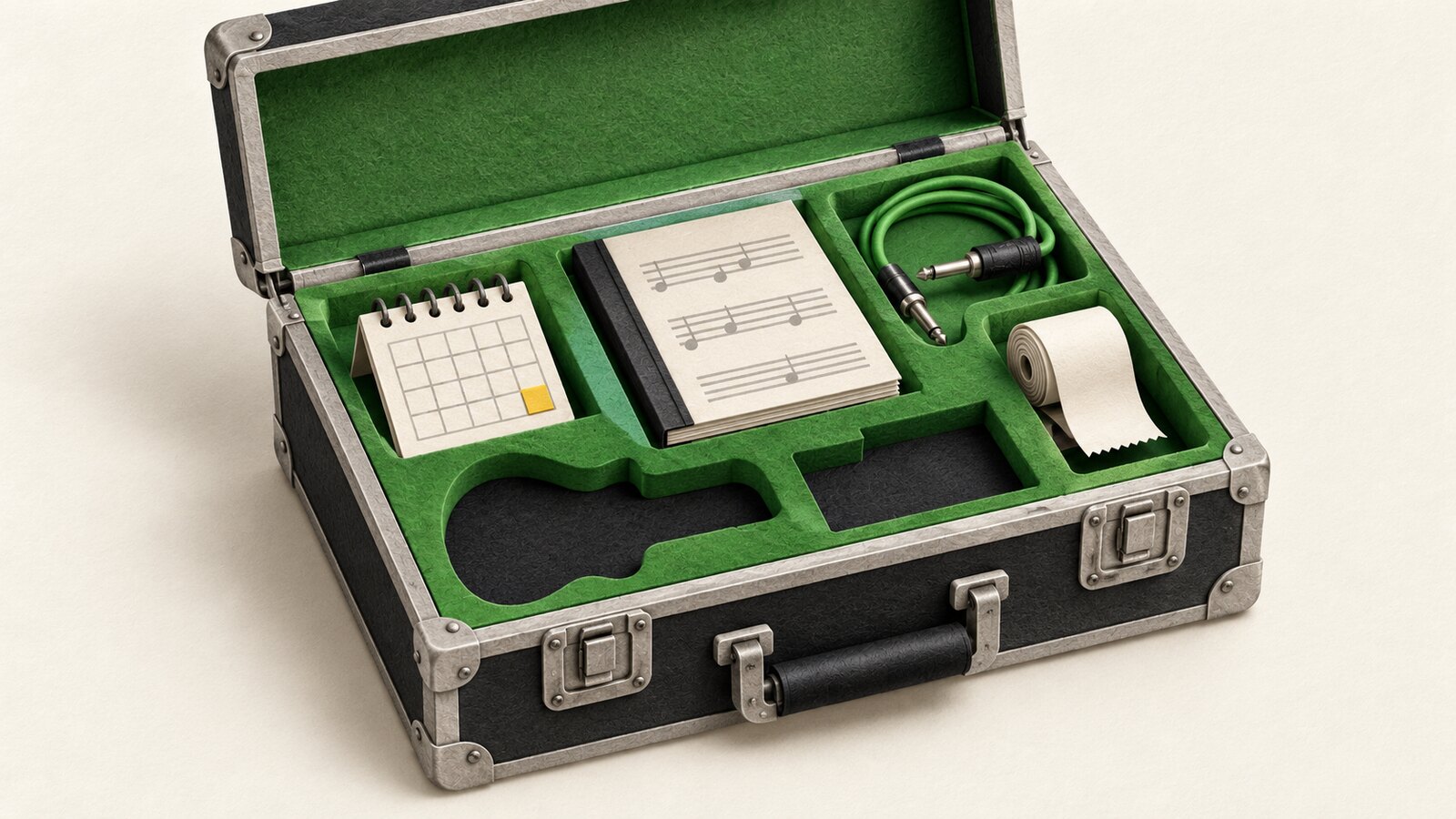
To choose band management software, test the work you need help with: asking musicians about dates, filling the lineup, sharing show details, preparing setlists or handling fees. A long feature list matters less than whether your bandmates can answer a request and find the right information without your help.
For a small touring band, include the people travelling with you in that test. A musician, substitute and technician may need different information. Check what each person can see, how they receive changes and what remains available when the connection is poor.
This comparison is published by Gixtra. The alternatives below are described from their own product pages, checked on October 14, 2026; this is not a hands-on test of every app.
Decide Which Problem You Need to Solve First
| Your main task | What to test |
|---|---|
| Finding out who can play | Can musicians reply to a specific gig, and can you distinguish an unanswered request from a yes or maybe? |
| Finding a substitute | Can you ask people in your preferred order and see who is currently being asked? |
| Sharing show details | Can the people playing find the current schedule, location and documents without searching a chat? |
| Preparing the performance | Can you arrange songs, read the setlist on stage and use any charts, playback or MIDI control you need? |
| Handling money after the show | Can you record the agreed fees, collect expenses and follow the invoice process you actually use? |
Choose two or three requirements you cannot do without. Then test those before importing your whole repertoire or inviting everyone.
Gixtra: Availability, Substitutes and the Details of Each Gig
Gixtra is worth trying if you coordinate the lineup and show information, especially when different musicians play different dates.
You can keep a gig's status separate from musicians' replies. A confirmed booking does not have to look like a fully staffed show: you can still see who has accepted, who declined and whose answer is missing. A maybe reply can include a reason, so you know what still needs clarification.
For substitutes, a Sub list stores your preferred asking order. Gixtra asks the next eligible musician after a decline or expired offer and stops when someone accepts. A maybe pauses the sequence so you can resolve it rather than accidentally ask someone else.
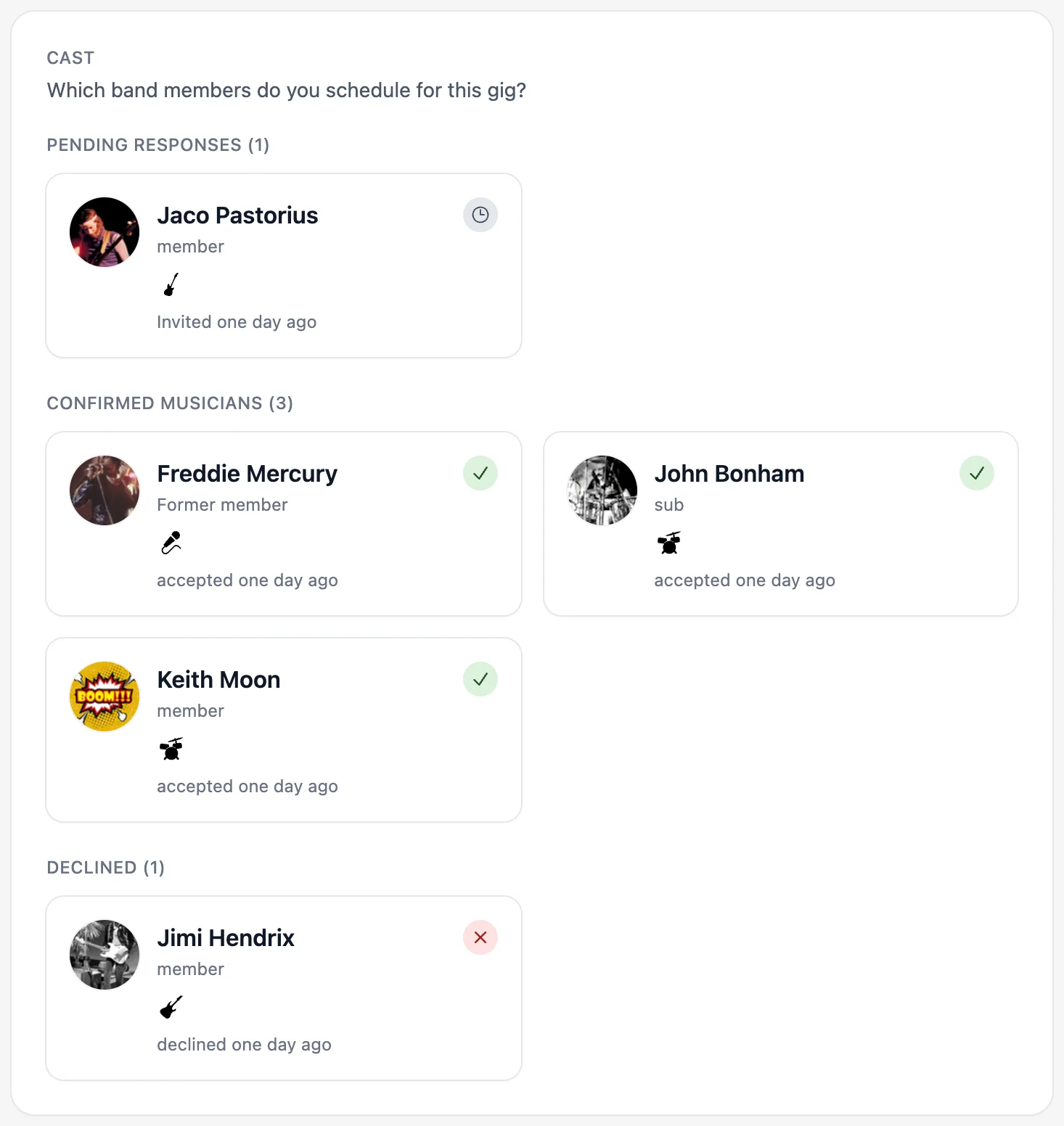
The gig also holds the schedule, venue, lineup and permitted documents. That makes it possible to check an agreed tech rider against the actual lineup instead of assembling the current picture from separate messages. Access depends on each person's role.
You can also build a repertoire and reusable setlists. Attaching a saved setlist to a gig creates an independent copy: changing the key or running order for that show does not overwrite the template or another gig's list. Optional song details include key, tempo and notes; print settings let you choose the font size, orientation and columns. These setlist tools and PDF output are included in Free and are edited in the browser.
After the show, musicians can select eligible gigs, review an invoice draft and finalize a PDF invoice to the band. New invoices between German issuers and recipients also include ZUGFeRD e-invoice data in that PDF. The person handling the band's accounts can follow received invoices and mark them paid, giving both sides the same payment status. This is musician-to-band invoicing, rather than the band's invoice to its client. Invoice creation is available during the trial and from Newcomer upward.
Gixtra is available in the browser and as an iOS app, including on Free. Test the devices your musicians actually use; setlist editing currently takes place in the browser.
Gixtra is priced per band, with a Free plan and paid tiers. Check the current plans and included features, including the member limits, against your regular lineup and substitute pool.
Try it with one upcoming gig: add the show, invite the musicians you need and ask them to reply. Then check whether you can identify the missing answers without reading through messages. Start with Gixtra.
Other Tools Worth Comparing
BandHelper: Repertoire and On-Stage Control, Plus Band Administration
BandHelper combines songs, setlists, lyrics and chords with performance tools such as playback, foot-switch control and equipment changes. It also advertises scheduling, contacts, income and expense tracking, and client invoices.
Put it on your shortlist if your main requirement is preparing and running the performance. Test it with your own charts and stage equipment, not only a sample song. Its financial and scheduling features also deserve a look; it would be misleading to treat it as only a setlist viewer.
BandBook: Gigs, Rehearsals, Songs and Finances
BandBook advertises calendar replies, gig planning, songs and setlists, personal notes, file attachments and band finances. Its song tools include setlist and songbook PDF exports.
Test a rehearsal and a gig with different participants. If charts matter, check how a musician finds their own notes and version of a song. For financial requirements, walk through the exact invoice or reporting task you need rather than assuming that every product means the same thing by “finances”.
BANDZONE: Dates, Availability and Shared Song Material
BANDZONE covers gigs, rehearsals, availability, songs, setlists and files. Its published features include calendar subscriptions, blocked dates across bands and song information with personal notes.
Try a date involving somebody who plays in more than one band, then prepare the material for that show. That tests both the calendar side and how people find the songs and information they need.
Konzertmeister: Rehearsal and Performance Planning for Larger Groups
Konzertmeister addresses music associations, orchestras and choirs. Its published features include attendance replies, deadlines, reminders, recurring appointments, section rehearsals, music pieces and setlists attached to appointments.
It is a useful candidate when you need to coordinate sections and recurring rehearsals. Test an appointment that involves only part of the group, as well as one for everybody.
Spond: Group Events and Replies
Spond offers group events, time polls, messaging and payment requests, with a strong focus on sports teams and clubs.
If your immediate problem is arranging a date and collecting replies, include a general group tool in your comparison. Try a complete gig with your own details and attachments to see whether the event format gives you enough structure.
Test One Gig Before Moving the Whole Band
Use the same upcoming show in each shortlisted tool. Tell the participants it is a trial, so nobody mistakes duplicate invitations for extra gigs.
- Add the essentials. Date, place, timings and the musicians you need.
- Ask for replies. Have one person accept and another leave a question or maybe response. Can you tell what still needs attention?
- Try a substitution. Check how you invite a replacement and which gig information that person can access.
- Change one detail. Move soundcheck or replace a document. Ask another musician to find the current version on their phone.
- Check the stage requirements. Open your actual setlist or charts on the device you use. Test offline access if you depend on it.
- Follow the money. Run through your fee, expense and invoice requirements. If you need an external accounting connection, ask for a demonstration with that specific system.
- Check the whole-band cost and exit route. Include substitutes and crew in the member count. Confirm which tier contains the features you tested and how you can export your information.
A calendar subscription is not the same as two-way editing. Recording expenses is not the same as sending them automatically into your accounting software. Ask about those details before paying for a feature whose name sounds right but whose behaviour may differ.
Choose by What Your Bandmates Can Actually Do
After the trial, ask: could musicians reply and find the current details without you explaining where to look? Could you see what was missing? Did the tool remove a repeated task, or did you still have to copy the same information elsewhere?
If availability, substitute requests and gig handovers are your priorities, try that workflow in Gixtra. If your priority is stage playback or a particular chart setup, test that first in the relevant tool. You do not need to replace software that already works just to put everything under one name.